A living clock
for your Mac desktop.

An analog clock that sits right on your wallpaper — with four animated dials showing CPU, memory, GPU, and temperature in real time.
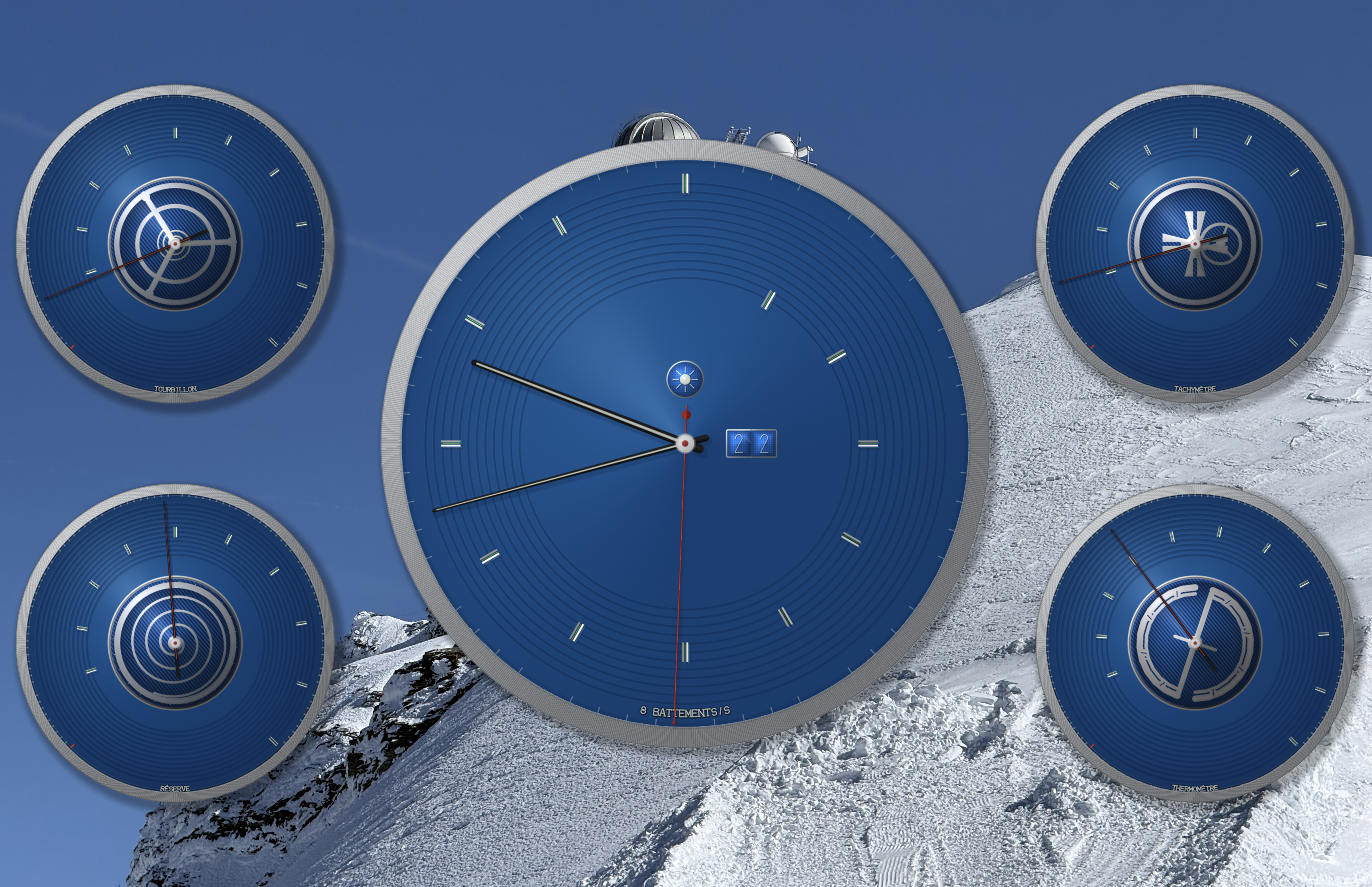
ChronoMetrics on a macOS desktop showing a Classic Blue Swiss-style clock with four system metric dials

Classic Blue dial with four live system metric complications

Live preview — four animated dials responding to real system activity
See what your Mac is doing. At a glance.

ChronoMetrics places a beautiful Swiss-style clock directly on your desktop wallpaper. Four smaller dials around the main clock face each animate in response to a different system metric — so you always know how hard your Mac is working, without opening a single window. And it uses so little energy you'll never notice it's there.

Four dials. Four stories.

Each dial is a tiny mechanical animation that responds to what your Mac is doing right now. No numbers to read — just watch the motion.

CPU Load

Tourbillon

A spinning cage that oscillates wider as your processor works harder. Calm when idle, alive under load.

GPU & Network

Geneva Drive

Shows GPU utilization with the free Sensor Helper, or network throughput without it. The Maltese cross clicks faster with higher activity.

Memory

Power Reserve

A coiled spring that unwinds as your RAM fills up — like a watch running low on power.

Temperature

Bimetallic Balance

A balance that expands and changes color from silver to copper as your Mac heats up.

Ten palettes. Your personality.

Choose from ten curated dial colors — Classic Blue, Anthracite, Midnight, Racing Green, Burgundy, Slate, Champagne, Arctic, Copper, or Noir. Each has hand-tuned light and dark variants that follow your macOS appearance automatically.

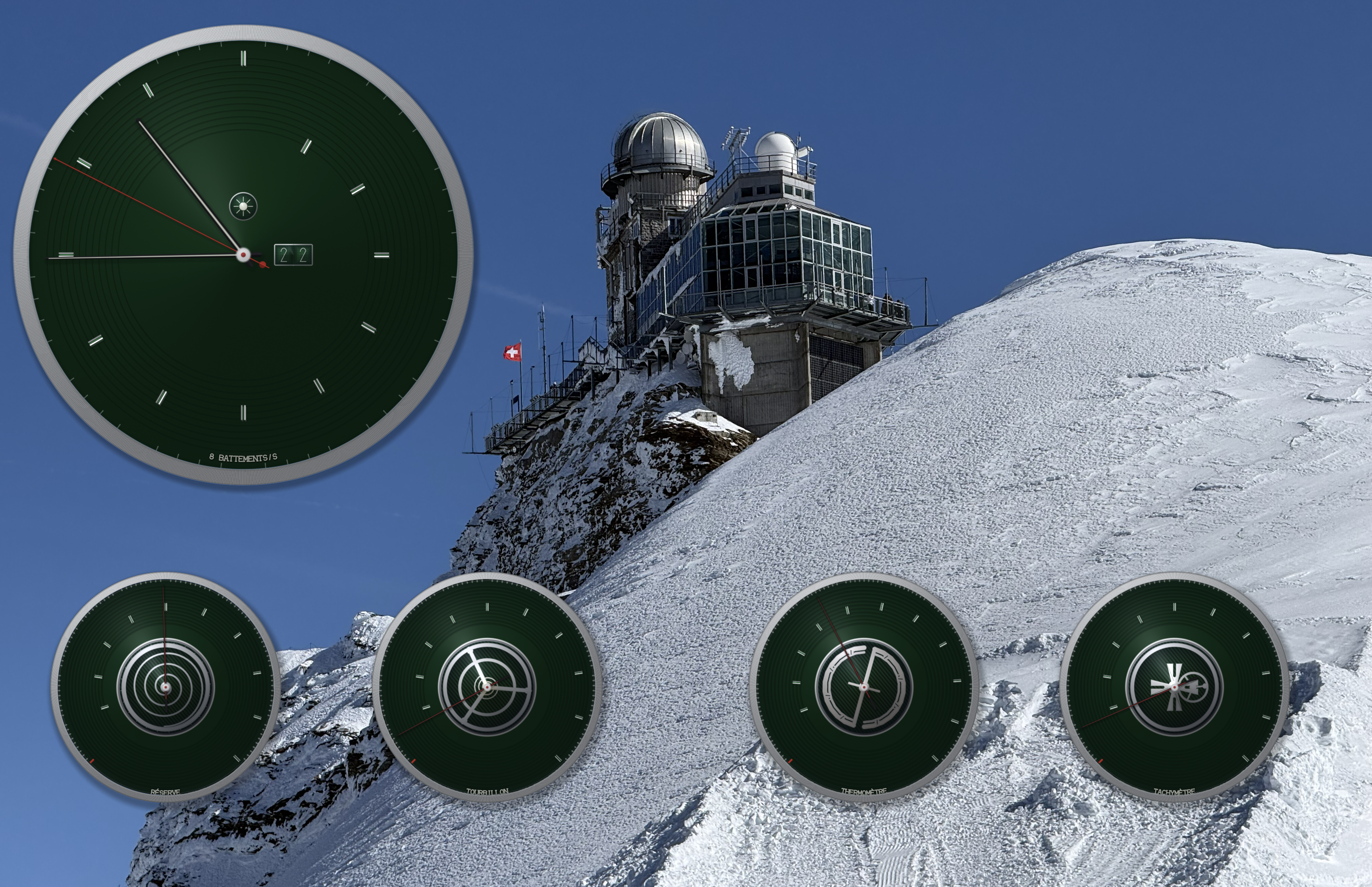
ChronoMetrics with a Racing Green dial on a custom desktop layout

Racing Green — one of ten curated color themes

Arrange it your way.

Drag, resize, and position every dial independently. Multi-display support means every screen gets its own clock.

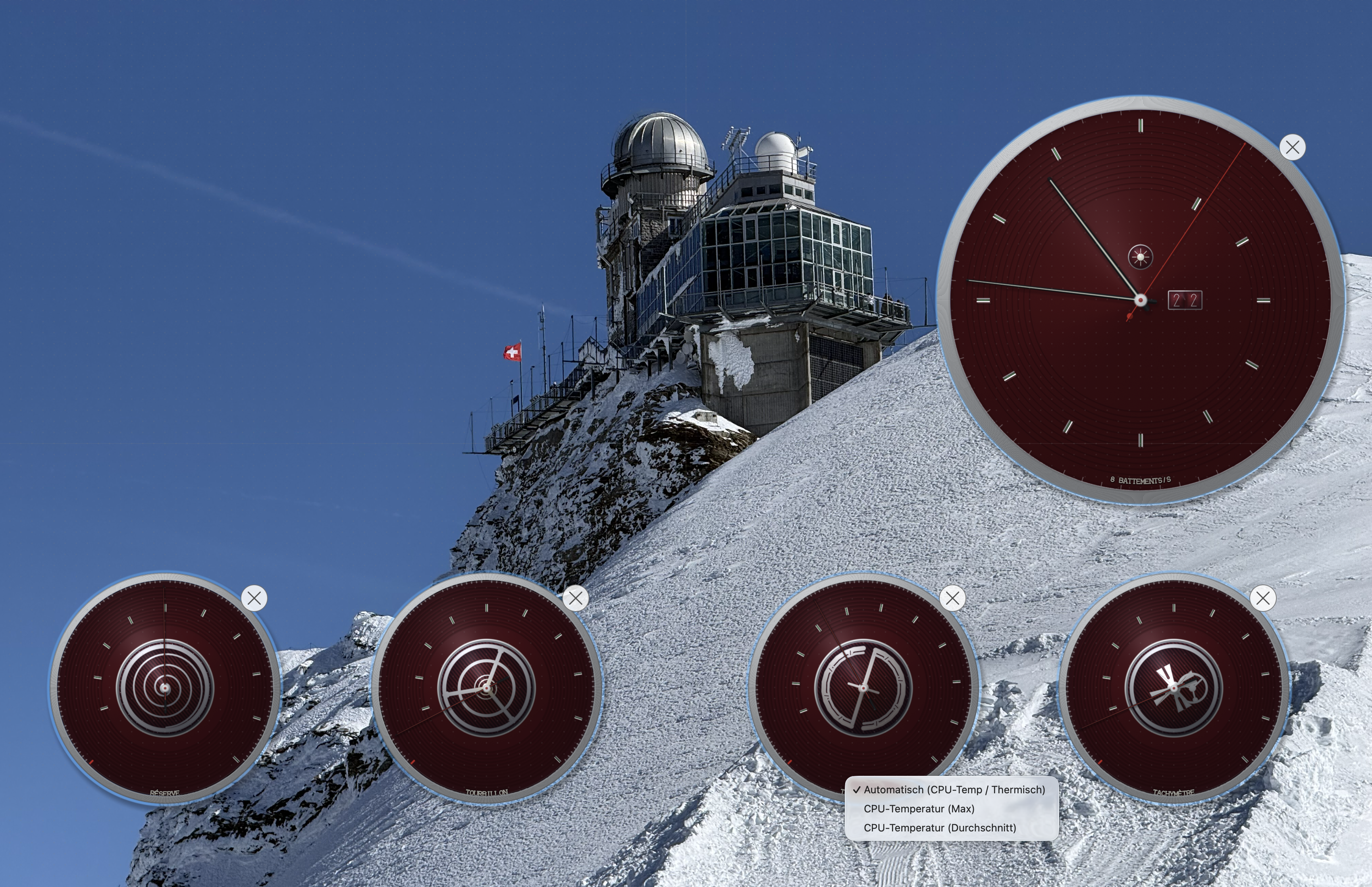
ChronoMetrics in edit mode showing a context menu to configure the temperature gauge

Right-click any dial to change its metric or visibility

The details make the difference.

Entirely GPU-Rendered

Every hand, bezel, and jewel is mathematically drawn in real time. No static images — it's all live geometry.

Lighting That Follows the Sun

Reflections and shadows shift throughout the day, just like on a real watch face.

Date Display

A dual-window date complication with individual digit wheels that turn at midnight.

Multi-Display

Got multiple screens? Each one gets its own clock, independently arranged.

Drag, Resize, Rearrange

Move any dial anywhere. Resize it. Snap it to a grid. Make the layout yours.

Barely There

Uses less energy than a screensaver. You won't see it in Activity Monitor or your battery life.

OLED-Friendly

A subtle pixel-shift runs continuously to prevent burn-in on modern displays — invisible to the eye, kind to your panel.

Your desktop deserves more
than just a wallpaper.

Available on the Mac App Store for macOS 13 or later.

Download on the Mac App Store

Want real CPU temperature and GPU stats? The free Sensor Helper add-on reads directly from your hardware sensors.

Questions? Reach us at [email protected]